SpyDllRemover is the specialized tool for detecting Spyware & Hidden Rootkit Dlls in the System.
In addition to Spyware Dlls, it can also detect user-land Rootkit processes using multiple Anti-Rootkit techniques. It uses Heuristic analysis and 'Online Threat Verification' for deeper analysis of unknown Malware Threats.
One of the unique feature of SpyDllRemover is 'Advanced Dll Ejection' which helps in completely removing Spyware/Rootkit Dlls from any running Process. It works very well with any Remote process across the session boundaries imposed in newer Windows editions like Vista/Windows7/8/10.
All these unique features makes it one of the generic tool for removing known as well as Unknown Threats compared to traditional Antivirus Softwares which can detect only known threats.
SpyDllRemover is fully Portable software and works on wide range of platforms starting from Windows XP to Windows 10
Features
Here are some of the special and unique features of SpyDllRemover.
Advanced Spyware Scanner: Detects Hidden User-land Rootkit processes as well as suspicious/injected Dlls within running Processes.
Process ID Brute force Method
(PIDB) as first used by BlackLight
CSRSS Process Handle Enumeration
Method
Unique 'Advanced DLL Ejection': This is one of the Advanced & Unique feature of SpyDLLRemover used to completely remove the injected DLL from Remote Process.
Sophisticated Auto Analysis: Dll & Process Heuristics to help in Identification of known as well as Unknown Threats.
Color based Representation: For clear and easier analysis of various type of Spyware Threats.
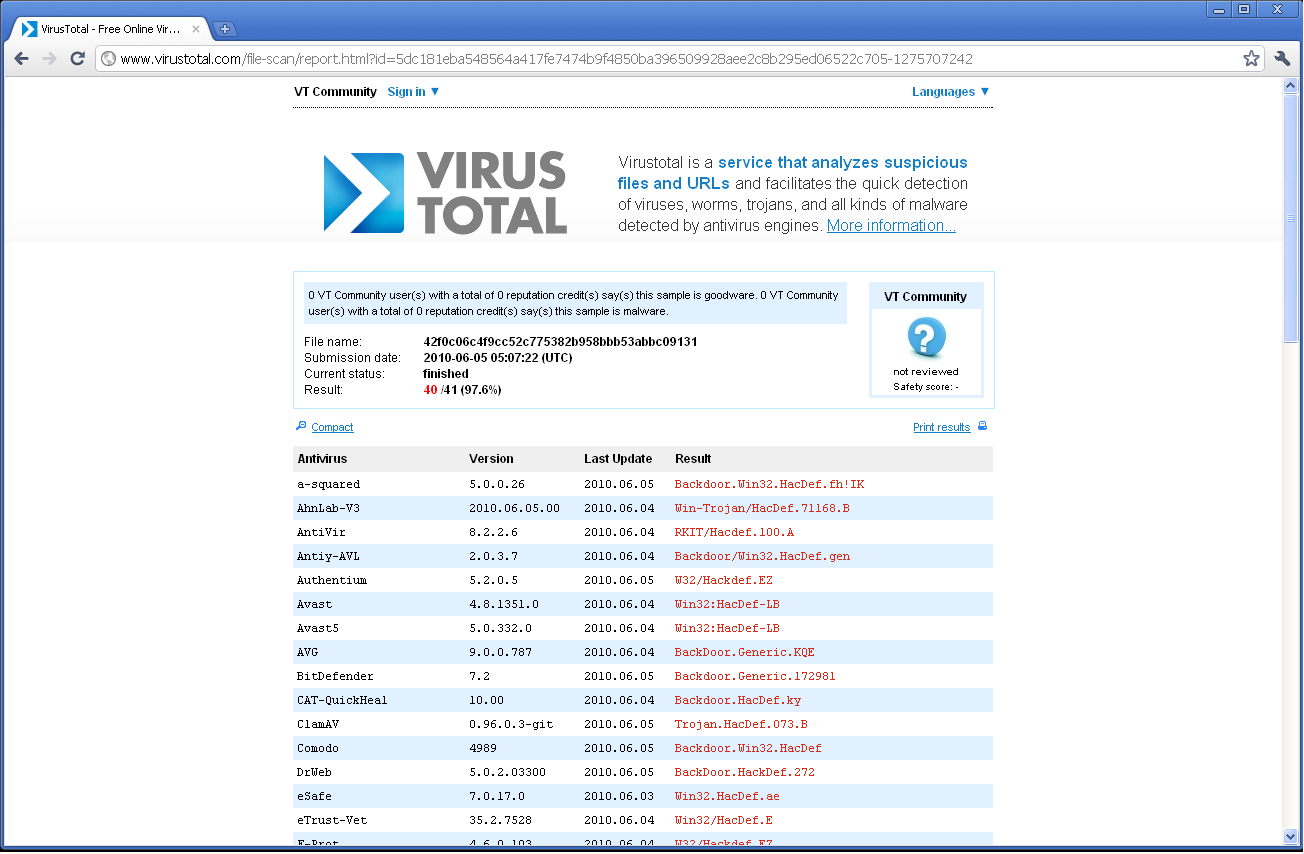
Online Threat Verification: Scan suspicious Processes/DLLs using online services such as VirusTotal, ThreatExpert, ProcessLibrary and Google.
'DLL Tracer' Feature: Search for suspicious DLL within all running processes.
Cooler GUI Interface: Attractive, Easy to Use & Customizable interface.
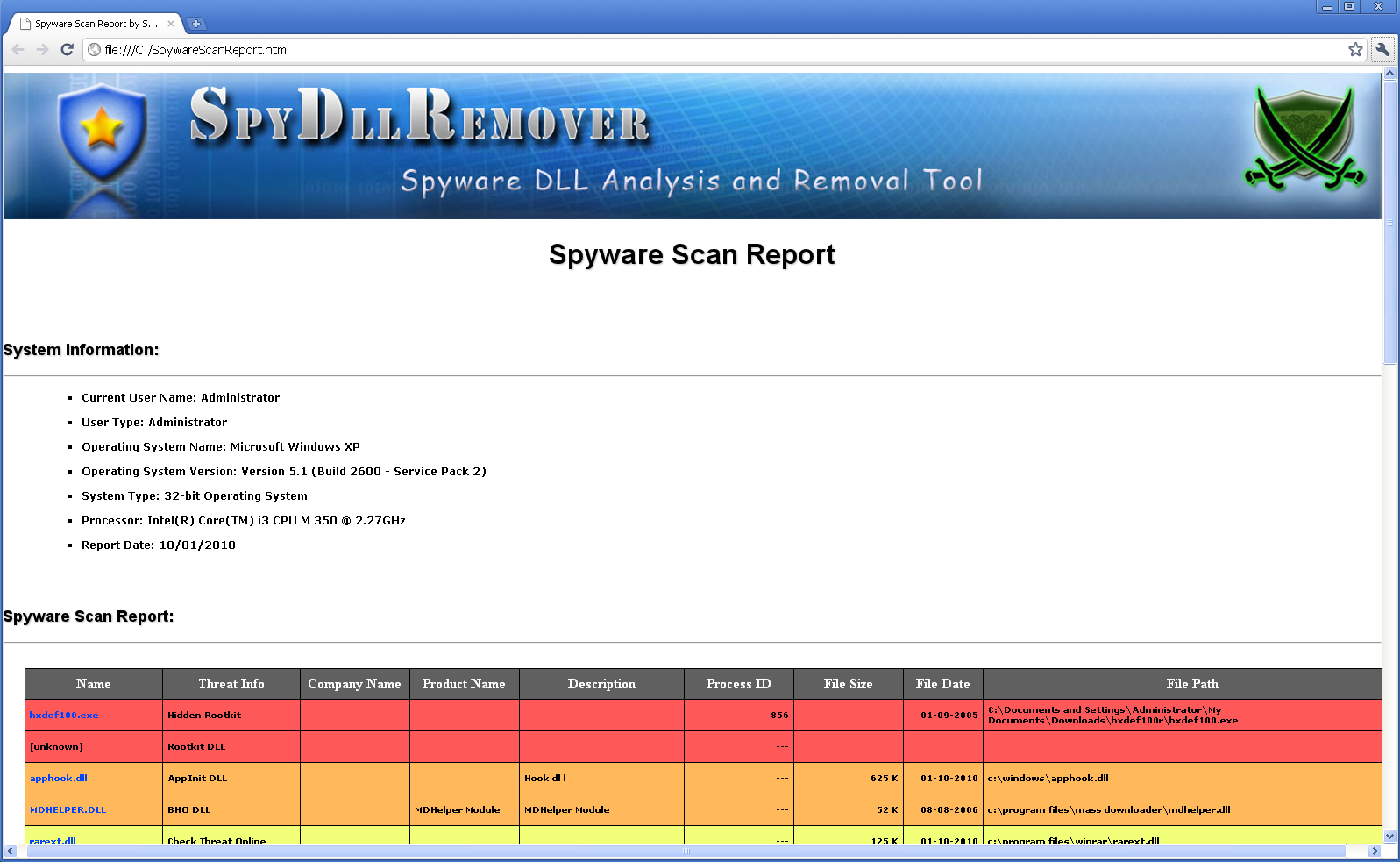
Advanced Report: Generates complete report of Processes/Dlls along with Threat Analysis.
Portable Version: You can easily run it directly without installation.
Internals of SpyDLLRemover
Unlike most of Anti-virus solutions and detection tools which uses
out dated signature based method, SpyDLLRemover uses Heuristics based
techniques to detect latest threats as they emerge out of the closet.In
addition to this, it also uses generic Rootkit detection techniques
which helps in uncovering most of the user-land based Rootkits.
Here are some of the technical articles which throws light on how
Rootkits operate under the hood and their detection methods
Here is the video demonstration of various use
cases of SpyDllRemover
Video 1: SpyDllRemover
detecting & removing hidden user-land Rootkit, HxDef.exe
Screenshots
Here are the screenshots of SpyDllRemover which
demonstrates its effectiveness in detection & removal of userland
rootkits, suspicious dlls & other spywares.
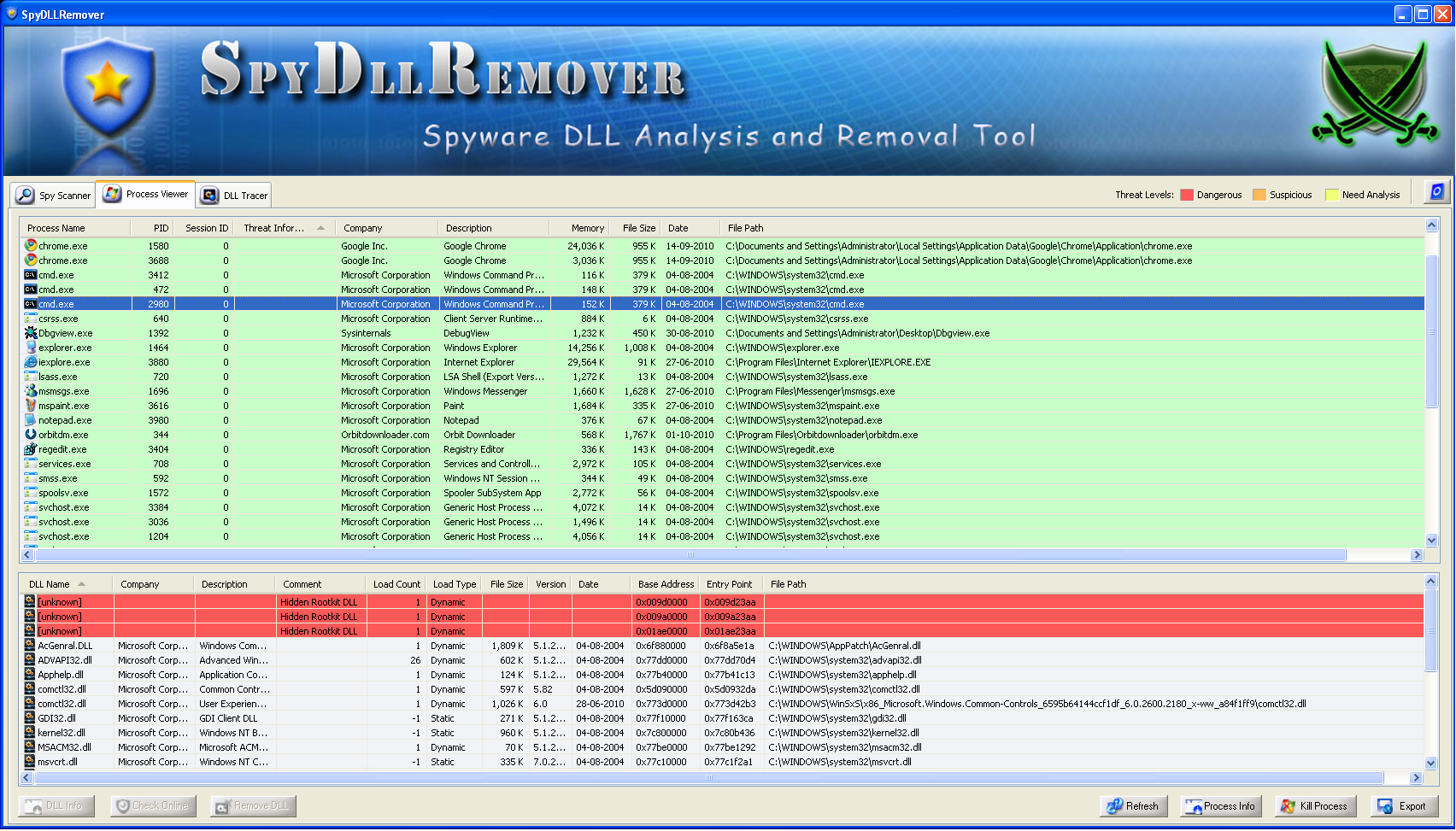
Screenshot 1: SpyDllRemover detecting
HxDef user-land
Rootkit Process and the malicious
Dll injected by Vanquish Rootkit along
with other suspicious DLLs.
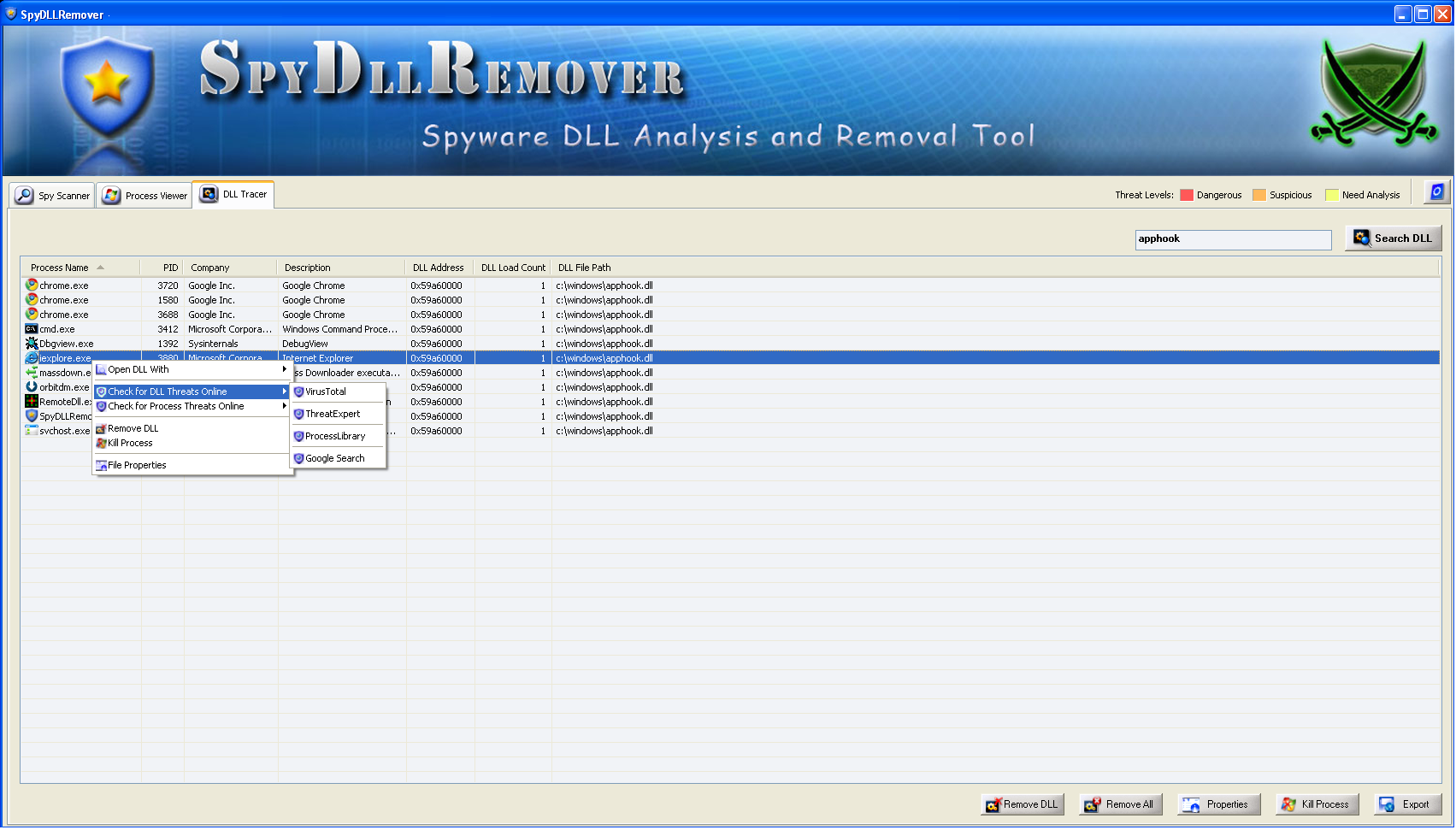
Screenshot 3: SpyDllRemover showcasing
Search feature which
helps in finding the suspicious Dlls in all running processes. Also
shows new 'Right Click Menu' for quick actions.
SpyDllRemover comes with
Installer to help in local installation & un-installation. This
installer has intuitive wizard which
guides you through series of steps in completion of installation.
At any point of time, you can uninstall the product using the
Uninstaller located at following location (by default)
Here are some of the 'Frequently Asked Questions' for SpyDllRemover.
1. Color codes used in SpyDLLRemover
SpyDllRemover uses predefined set of color coding for easier
interpretation of threat levels. Here are the details,
RED :
Level =>[High Risk] Dangerous;
Description => Hidden Rootkit/Spyware;
Action => Remove Dll/Kill Process;
Orange :
Level =>[Medium Risk] Suspicious;
Description => Suspicious
Rootkit/Spyware;
Action => Scan Online & then
Remove Dll/Kill Process;
Yellow :
Level =>[Low Risk]
Analysis;
Description => Need further analysis, It may be Spyware
element;
Action => Scan Online & then Remove Dll/Kill Process;
Green :
Level => Good;
Description => System process/legitimate third
party process;
Action => Nothing;
No Color :
Level => Normal;
Description => normal process/dll;
Action => Nothing;
2. On 64 bit systems, Why I am not able to see the Dlls for
certain Processes?
SpyDllRemover is a 32 bit application, Hence it cannot display DLLs for 64bit Processes.However it can work
well with 32 bit Processes (on 64bit Systems).
Complete support
for 64 bit will be available in future versions.
3. My firewall alerted me on SpyDllRemover trying to connect to
address *.*.*.* at port 80, What should I do ?
When you launch SpyDllRemover, it tries to connect to
our web server to see if newer version of
SpyDllRemover is available. Other than this, SpyDllRemover does not
connect to any server on its own.
4. I saw network traces from SpyDllRemover when I launched it. Is
this intended one ?
Please read the FAQ 3.
5. I am running SpyDllRemover as normal user (not administrator)
and I am not able to access some of the Process/Dlls. Why ?
When you are running SpyDllRemover as normal user, you will not be
able to access any of the system Processes and Processes belonging to
other users. For full access (Vista/Win7), you need to run SpyDllRemover
as Administrator by right click on SpyDllRemover.exe and then select
'Run as Administrator'.
6. Looks like I found a Bug. What do I do now ?
That's good thing you have done lately :) We are in fact waiting for
them. Send them to us with all possible information (include screenshot).
7. Here I did not find what I am looking for. What do I do now?
We have listed most of the favorite FAQs here. For others please
contact us.
Testimonials
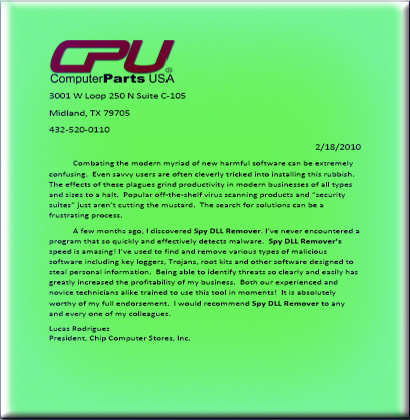
SpyDllRemover has received some great testimonials from elite
customers who have been using this tool widely in their IT
administration.
Here is the testimonial from Lucas Rodriguez, President of Chip
Computer Stores, Inc
Release History
Version 7.0: 14th Jul 2016
Mega edition with the support for Windows 10 operating system. Also includes minor GUI refinements.
Version 6.6: 27th Jul 2015
New feature added to Installer to dynamically download latest version
Version 6.5: 10th Jan 2015
Integrated Installer for local installation. Also added Uninstaller into Windows Add/Remove Programs.
Version 6.0: 7th July 2014
Mega version with support for latest operating system Windows 8.1. Support for white-listing known executable files. Also presents improved GUI interface with new banner & glowing icons.
Version 5.0: 14th Apr 2012
Displays new fields such as ASLR, DEP, Username for process, Marking off 32 bit processes, Advanced HTML report, Improved user friendly GUI interface.
Version 4.5: 26th Feb 2011
Support for Installer, Enhanced user interface with new banner
and other bug fixes.
Version 4.0: 2nd Oct 2010
Next big version of SpyDllRemover with following features:
Enhanced Threat verification with VirusTotal, ThreatExpert,
ProcessLibrary & GoogleSearch, Improved Auto Analysis, Addition of
process based heuristics for detecting Spywares, Advanced report
generation, Right click menu integration for quick actions,
Resizable Window for easier analysis. Direct interface with
createfile/terminate process functions to bypass all userland hooks.
integration of feature to check for new updates automatically.
Version 3.2: 8th Feb 2010
Support for malicious DLL removal from system processes across
session boundaries breaking the limitations imposed in Vista/Win7.
Version 3.0: 30th Nov 2009
This version extends support for Microsoft's new operating
system, Windows 7. Along with this, it introduces 'Scan Settings'
option to allow the user to fine tune the scanning operation. Also
it presents other new features such as improved heurestic analysis,
enriched user interface, Intelli-Refresh of 'Process Viewer' etc.
Version 2.5: 12th July 2009
Next major version of SpyDllRemover with 'DLL Tracer' feature to
quickly search for DLL within all running processes. It also
includes the improved user interface and major bug fixes.
Version 2.0.1: 30th May 2009
Released second version of SpyDllRemover with enriched features such as Spyware Scanning of System,
Improved DLL auto analysis, Enhanced GUI interface, HTML based report generation of spyware scanning
result as well as process/DLL list, advanced technique for removal of injected DLL from all loaded processes,
sorting the process/dll based on various parameters for easier and quicker identification.